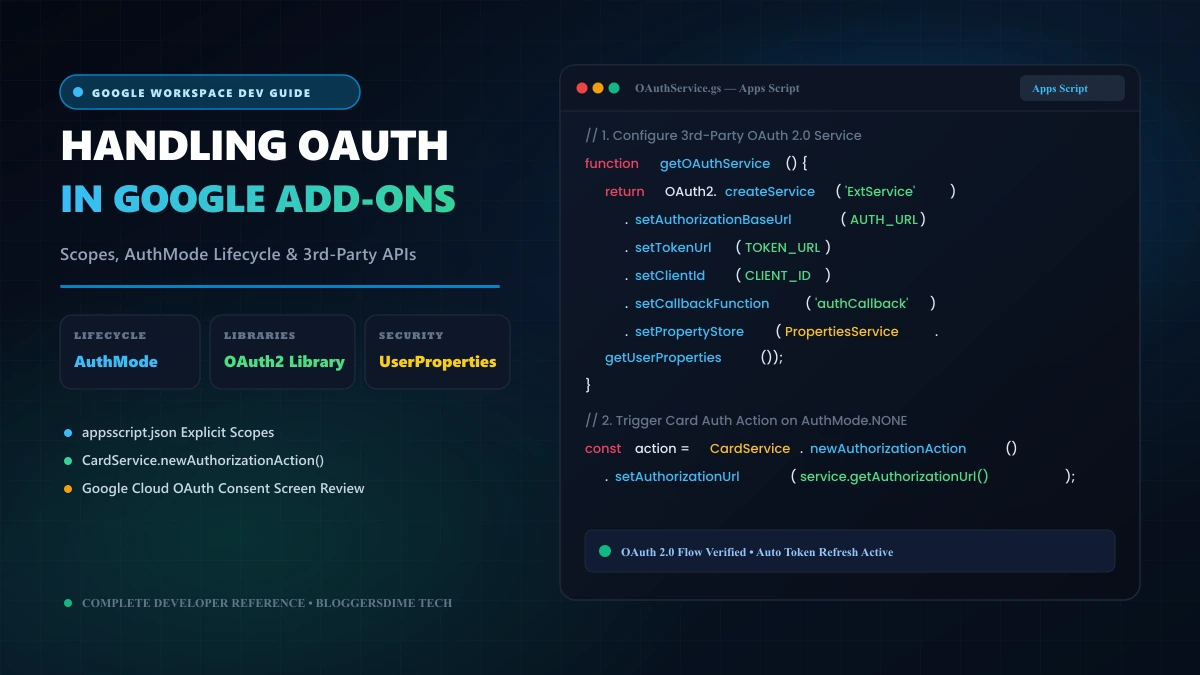
Secret Gmail Hack to Find All Bulk Emails in Your Inbox: Hidden Search Strings, Header Analysis & Apps Script Code

Is your Google account storage creeping dangerously close to its 15 GB quota limit? Most users assume their Google Drive files or high-resolution photos are to blame, only to discover that 5 to 8 gigabytes of storage are quietly consumed by thousands of forgotten promotional emails, PDF receipts, and automated mailing lists spanning years of web activity.
Simply searching "unsubscribe" in the Gmail search box only scratches the surface. Savvy marketing automation platforms (like Marketo, HubSpot, and Mailchimp) often mask unsubscribe links inside graphical buttons, external redirect portals, or terms-of-service footers that bypass basic keyword queries. In this deep-dive guide, we reveal the secret Gmail search operator hacks that expose 100% of bulk automated mail, explain the RFC email headers that give them away, and provide an automated Google Apps Script storage auditor to reclaim gigabytes of space in seconds.
Bulk Email Detection Matrix: At-A-Glance Reference
Secret search strings, header flags, and cleanup formulas for Gmail power-users.
| Target Search Query | What It Uncovers & Technical Behavior |
|---|---|
has:nouserlabels -in:sent -in:chat | The "Orphaned Bulk" string: Finds every email in your inbox that you never manually organized, replied to, or labeled. Exposes hidden marketing clutter instantly. |
unsubscribe OR "opt out" OR "preferences" | Catches 99% of compliance footers used by legal marketing engines, including those that avoid using the plain word "unsubscribe". |
size:5M category:promotions | Storage hog hunter: Pinpoints image-heavy retail catalogs, promotional PDFs, and event flyers taking up massive mailbox quota. |
older_than:1y category:promotions | Decayed commercial noise: Finds marketing blasts older than 365 days that hold zero relevance to your daily workflow. |
Precedence: bulk (Header Hack) | RFC standard email header appended by bulk mail transport agents (MTAs) to signal non-personal automated broadcasting. |
The Secret Gmail Search Operators (The Power-User Hacks)
Combine these advanced Boolean commands directly inside the Gmail search bar to surface bulk mail that regular searches miss:
1. The "Orphaned Mail" Hack (has:nouserlabels)
When you correspond with colleagues, family, or critical clients, you typically reply, star, or organize them into folders. Bulk emails sit passively in your inbox untouched. This master query isolates unorganized incoming mail:
This targets messages older than 60 days that you never filed under custom labels, filtering out personal conversations and highlighting forgotten newsletters.
2. The Multi-Disclaimer Catch-All String
Modern newsletters often replace the word "unsubscribe" with euphemisms like "manage your notifications", "email preferences", or "update subscriptions". Use this grouped Boolean string:
3. The Quota Reclaimer: High-Impact Storage Hack
A single retailer newsletter featuring high-res product collages or embedded flyers can weigh between 3 MB and 10 MB. Deleting 100 of these instantly reclaims nearly 1 GB of Google One storage:
How Mail Servers Secretly Flag Bulk Emails (RFC Headers)
Behind the scenes, when Mailchimp, SendGrid, Amazon SES, or Salesforce send commercial email, their mail servers inject standardized metadata headers into the raw RFC 822 message envelope:
Precedence: bulk(orPrecedence: list): Tells destination servers that this message is automated and should not generate automated out-of-office autoreplies.List-Id: <identifier.domain.com>: The unique machine-readable identifier of the mailing list.X-Campaign-Id:orFeedback-ID:: ESP telemetry tracking tags used to evaluate recipient engagement and spam reputation.
Once you identify which sender domains dominate your inbox, deploy our companion guide on How to Unsubscribe from Mailing Lists in Gmail to trigger automated one-click protocol removal!
Developer Section: Build an Automated Gmail Bulk Storage Auditor (Apps Script)
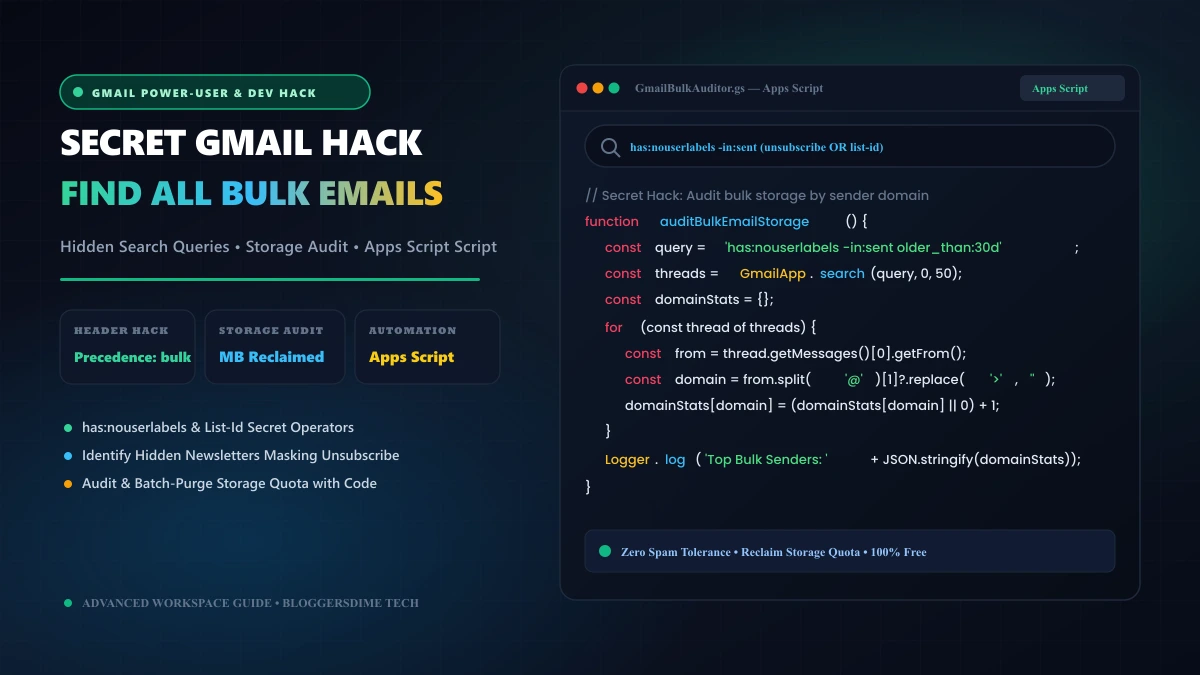
Instead of guessing which companies are eating up your inbox storage, you can run a lightweight Google Apps Script that audits your promotional mail, tallies email counts and approximate byte size per domain, and outputs a clean diagnostic report:
/**
 * Google Apps Script: Bulk Email Storage Auditor
 * Scans promotional mail and ranks top space-consuming domains.
 * BloggersDime Tech Reference
 */
function auditBulkEmailStorage() {
  // Target unread or promotional bulk mail older than 30 days
  const query = 'category:promotions older_than:30d';
  const threads = GmailApp.search(query, 0, 100); // Audit sample batch of 100 threads

  if (threads.length === 0) {
    Logger.log("No bulk emails found matching the query.");
    return;
  }

  const senderAudit = {};
  let totalEstimatedBytes = 0;

  for (let i = 0; i < threads.length; i++) {
    const thread = threads[i];
    const messages = thread.getMessages();
    const firstMsg = messages[0];

    const fromHeader = firstMsg.getFrom();
    const rawContent = firstMsg.getRawContent();
    const messageSize = rawContent.length; // Approximate raw byte size
    totalEstimatedBytes += messageSize;

    // Extract domain from sender string
    const domainMatch = fromHeader.match(/@([a-zA-Z0-9.-]+.[a-zA-Z]{2,})/);
    const domain = domainMatch ? domainMatch[1].toLowerCase() : "unknown-sender";

    if (!senderAudit[domain]) {
      senderAudit[domain] = { count: 0, totalBytes: 0 };
    }

    senderAudit[domain].count += messages.length;
    senderAudit[domain].totalBytes += messageSize;
  }

  // Sort domains by highest storage footprint
  const sortedDomains = Object.keys(senderAudit).map(domain => {
    return {
      domain: domain,
      emails: senderAudit[domain].count,
      sizeMB: (senderAudit[domain].totalBytes / (1024 * 1024)).toFixed(2)
    };
  }).sort((a, b) => b.sizeMB - a.sizeMB);

  Logger.log("================ GMAIL BULK STORAGE AUDIT REPORT ================");
  Logger.log("Total Space Sampled: " + (totalEstimatedBytes / (1024 * 1024)).toFixed(2) + " MB across " + threads.length + " threads.\n");

  sortedDomains.slice(0, 10).forEach((entry, idx) => {
    Logger.log((idx + 1) + ". " + entry.domain + " -> " + entry.emails + " emails (" + entry.sizeMB + " MB)");
  });

  Logger.log("================================================================");
}

/**
 * 1-Click Purge Function: Deletes all promotional mail from a specific noisy domain
 */
function purgeDomainPromotions(targetDomain) {
  if (!targetDomain) {
    Logger.log("Please specify targetDomain e.g. purgeDomainPromotions('marketing.retailer.com')");
    return;
  }

  const query = 'from:' + targetDomain + ' category:promotions older_than:14d';
  const threads = GmailApp.search(query, 0, 100);

  Logger.log("Found " + threads.length + " threads to purge from " + targetDomain);
  for (let i = 0; i < threads.length; i++) {
    threads[i].moveToTrash();
  }
  Logger.log("Successfully moved " + threads.length + " threads to Trash.");
}
How to Run This in 3 Minutes:
- Open Google Apps Script and click New Project.
- Paste the code above into
Code.gs. - Select
auditBulkEmailStoragefrom the toolbar and click Run. - Review the Execution Log to see your top storage-clogging domains ranked by megabytes!
Frequently Asked Questions (Gmail Bulk Mail Hacks)
What does has:nouserlabels do in Gmail search?
The has:nouserlabels operator returns messages that have not been assigned any personal custom label by you. It filters out personal filing structures and surfaces raw, unorganized bulk mail that slipped into secondary tabs.
How can I delete all search results at once instead of 50 at a time?
When you check the top-left select-all box, Gmail only selects the 50 conversations visible on the page. Look for the blue banner text that immediately appears: "Select all conversations that match this search". Clicking this link selects thousands of matching messages across your entire mailbox simultaneously.
Does trashing emails immediately free up Google account storage?
No. Trashed emails remain in the Trash bin for 30 days before permanent deletion and continue counting against your storage quota. To instantly reclaim space, navigate to Trash in the left sidebar and click "Empty Trash now".
Can spammers bypass category:promotions?
Yes. Aggressive marketers often craft plain-text emails with zero HTML or images to deceive Gmail's machine learning classifiers into routing their blasts into your "Primary" inbox. Using multi-phrase queries like "opt out" OR "email preferences" captures these bypass attempts regardless of which tab they land in.
Summary: Take Total Ownership of Your Mailbox
You don't need to purchase extra Google One cloud storage subscriptions simply to archive promotional junk mail you will never read. By combining advanced search operators like has:nouserlabels, filtering for large media sizes with larger:5M, and running automated storage auditing scripts, you can keep your mailbox feather-light and sustain Inbox Zero permanently.
Leave a Comment
Your email address will not be published. Required fields are marked *
![YouTube Search Tricks: Advanced Search Operators, URL Hacks & Python API Code [Search Like a Pro]](/images/editorial/youtube_search_tricks_guide_banner.webp)