
How to Use AI Agents for Daily Work: A Practical Blueprint for Beginners to Automate Tasks & 10x Productivity

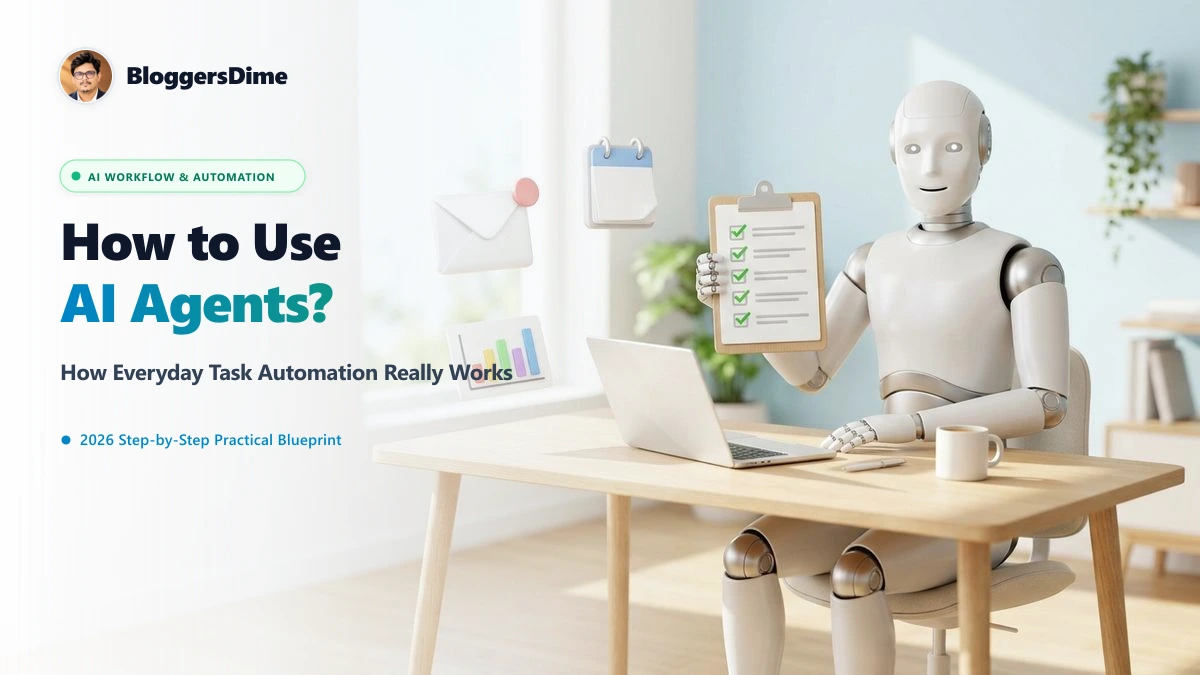
For the past two years, the world treated Artificial Intelligence as a conversational toy: you asked a question, and it wrote a paragraph. But the technology has undergone a seismic evolution from passive chatbots to autonomous AI agents. Today, AI doesn't just talk—it takes action. An AI agent can open your browser, read 30 customer emails, verify spreadsheet data, update your CRM, and schedule your calendar without you clicking a single button. If you want to eliminate repetitive busywork and supercharge your daily workflow, here is the complete, beginner-friendly blueprint on how to use AI agents for daily work in 2026.
🤖 At a Glance: Chatbots vs. Autonomous AI Agents
Passive assistant. You prompt, it generates text. You still have to copy-paste, download files, format sheets, and execute the final task yourself.
Goal-driven worker. You set the outcome (e.g., "Analyze this PDF invoice and log payments in Excel"), and the agent breaks it into steps, accesses tools, navigates screens, and executes the entire workflow independently.
1. The 3 Types of AI Agents Available for Everyday Users
You don't need a computer science degree or complex coding knowledge to harness AI agents. Today's tools fall into three approachable categories:
A. Browser & Web Agents (e.g., Perplexity Spaces, MultiOn, Lindy)
These agents live inside or connect directly to your web browser. They can autonomously visit multiple websites, scrape competitive product pricing, fill out web forms, cross-reference flight deals, and compile synthesized research briefs directly into a Google Doc.
B. Desktop & Computer-Use Agents (e.g., Anthropic Claude Computer Use, OpenAI Operator)
The newest frontier: agents that view your computer screen, move your virtual mouse, click interface buttons, and type text just like a human assistant. They bridge the gap between software tools that lack modern API integrations.
C. Workflow Automation Agents (e.g., Zapier Central, Make, Gumloop)
These connect your existing apps (Gmail, Slack, Notion, Google Sheets, Trello). When an event occurs (like a client sending an email attachment), the agent extracts data, summarizes the brief, updates Notion, and alerts your team on Slack without human intervention.
2. 5 High-Leverage Daily Tasks You Can Hand Over to AI Agents Right Now
Rather than trying to automate your entire job overnight, start with the most draining, repetitive 20% of your day:
1. Inbox Zero & Smart Email Triage
Instead of spending an hour every morning wading through promotional clutter, set up an email agent. The agent scans incoming emails against your custom priority criteria:
- Flags high-priority emails from direct clients or senior leadership.
- Drafts hyper-contextual draft replies based on your past writing style and project notes.
- Auto-schedules proposed meeting times by verifying your Google Calendar availability.
2. Deep Market & Competitive Research
Need to know what your top 5 competitors launched this week? An AI research agent can monitor RSS feeds, competitor landing pages, and news outlets every Monday morning, synthesizing product changes, pricing adjustments, and customer sentiment into a neat 1-page executive memo.
3. Unstructured Data Extraction (PDFs to Spreadsheets)
Manual data entry is one of the highest cognitive drains in office work. AI document agents can ingest messy invoices, bank statements, receipts, and vendor agreements, extract line items, calculate totals, and populate your accounting software or Google Sheets with zero manual typing.
4. Automated Meeting Summaries & Task Assignment
Connected meeting agents (like Otter.ai, Fireflies, or custom Whisper-based pipelines) don't just transcribe audio—they extract committed action items, identify who owns each deliverable, and automatically create assigned cards in Asana, Jira, or Trello.
5. Multi-Platform Content Repurposing
For marketers, founders, and creators: an agent can take one long-form blog post or YouTube transcript and autonomously transform it into a formatted LinkedIn carousel outline, three punchy X (Twitter) threads, and a weekly newsletter draft, maintaining your brand's unique voice.
3. Master Comparison: Top AI Agent Platforms for Everyday Work
| Platform | Primary Strength | Best Used For | Pricing Tier | Setup Complexity |
|---|---|---|---|---|
| Zapier Central | App-to-App Automation | Connecting Gmail, Sheets, Slack & Notion | Free tier / Paid from $20/mo | Beginner (No-Code) |
| Perplexity Spaces | Web Research & Synthesis | Market analysis, cited research & fact-checking | Free / $20 Pro | Beginner (Instant) |
| Lindy AI | Personal Executive Assistant | Email triage, meeting management & CRM updates | Freemium model | Easy (Template based) |
| Gumloop | Visual Drag-and-Drop Nodes | Web scraping, PDF parsing & complex workflows | Generous Free tier | Intermediate (Visual) |
| Claude Computer Use | Direct OS Screen Control | Navigating legacy software without APIs | API usage / Anthropic Pro | Advanced (Developer) |
4. The "Human-in-the-Loop" Safety Checklist
Full autonomy without guardrails is a recipe for embarrassing errors. When delegating daily tasks to AI agents, adopt the Human-in-the-Loop (HITL) rule:
1. Draft First, Send Later: Have your agent generate email drafts or customer replies, but keep the final "Send" button manual until you've verified 50 successful iterations.
2. Read-Only Financial Access: Allow agents to read, categorize, and compile bank statement data, but never give write permissions to authorize bank transfers or execute payments.
3. Granular API Scopes: When connecting agents to your Google Drive or Slack, grant access only to specific project folders rather than your entire workspace.
4. Periodic Hallucination Audits: Sample 5% of all extracted spreadsheet rows to ensure numbers and decimal points match original source documents.
Frequently Asked Questions (FAQs)
What is the difference between an AI agent and ChatGPT?
ChatGPT is a conversational AI that answers questions through text. An AI agent is an autonomous software worker that can use tools, browse web pages, interact with APIs, and execute multi-step workflows to achieve a stated business outcome without manual copy-pasting.
Do I need coding skills to use AI agents for daily work?
No. Modern platforms like Zapier Central, Perplexity Spaces, and Lindy AI use natural language prompts. You describe what you want in plain English, and the platform sets up the agent automations visually.
Are AI agents safe to use with company data?
Yes, provided you use enterprise-tier platforms that comply with SOC2, GDPR, and zero data-retention agreements that ensure your internal documents are never used to train public foundation models.
Which daily tasks should I automate first with AI agents?
Start with high-volume, low-risk repetitive tasks: email triage, scheduling meetings, competitive web research summaries, and extracting numbers from PDF receipts into Google Sheets.
Leave a Comment
Your email address will not be published. Required fields are marked *

![YouTube Search Tricks: Advanced Search Operators, URL Hacks & Python API Code [Search Like a Pro]](/images/editorial/youtube_search_tricks_guide_banner.webp)